1
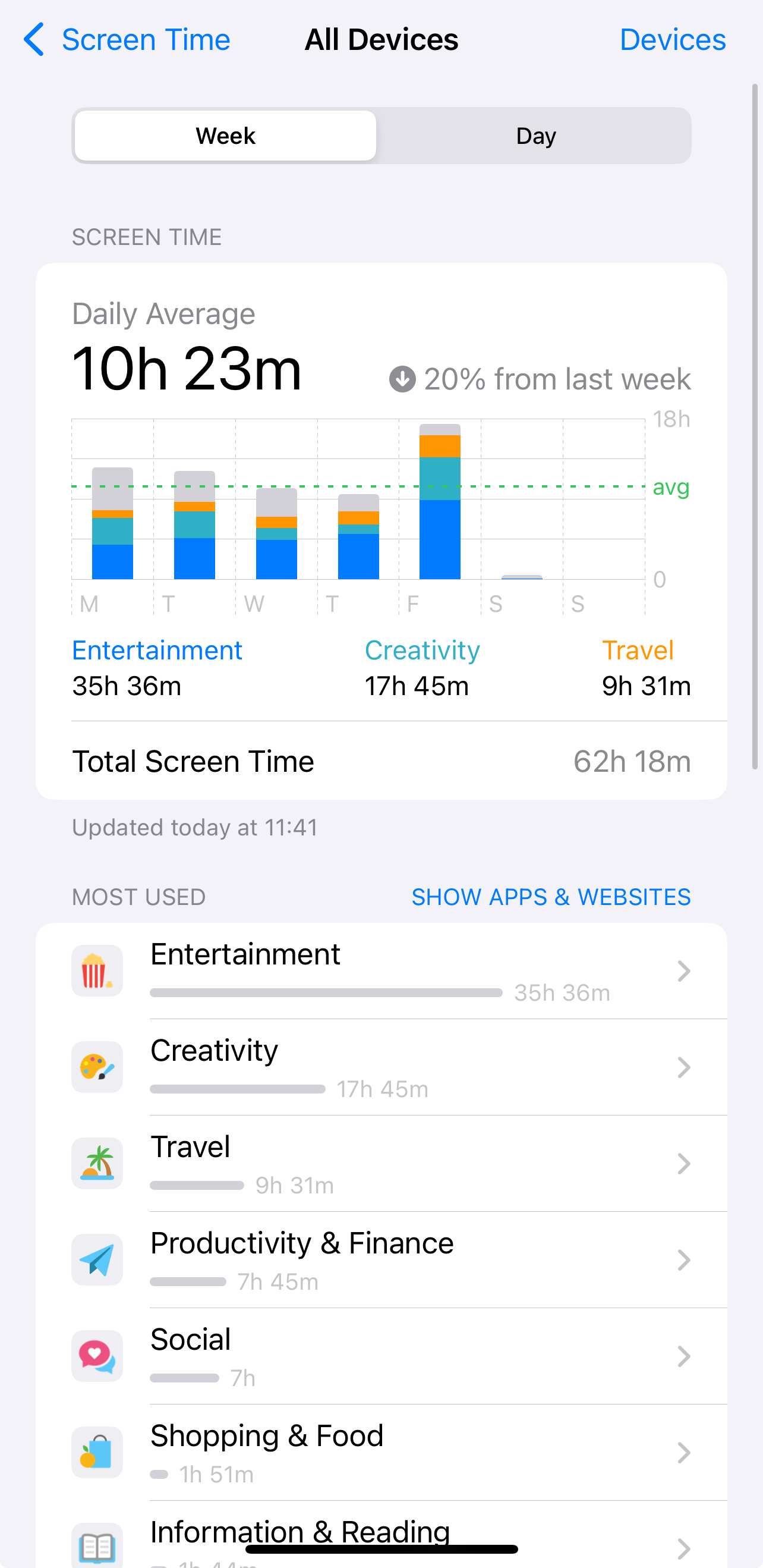
Check Screen Time in Settings
On iPhone open Settings > Screen Time. Check Apps and Categories you want to limit, if you have your screen time off until now, turn it on and check it in a week or 2.

Balance your life with social media with small steps and tips, which can make huge impact.
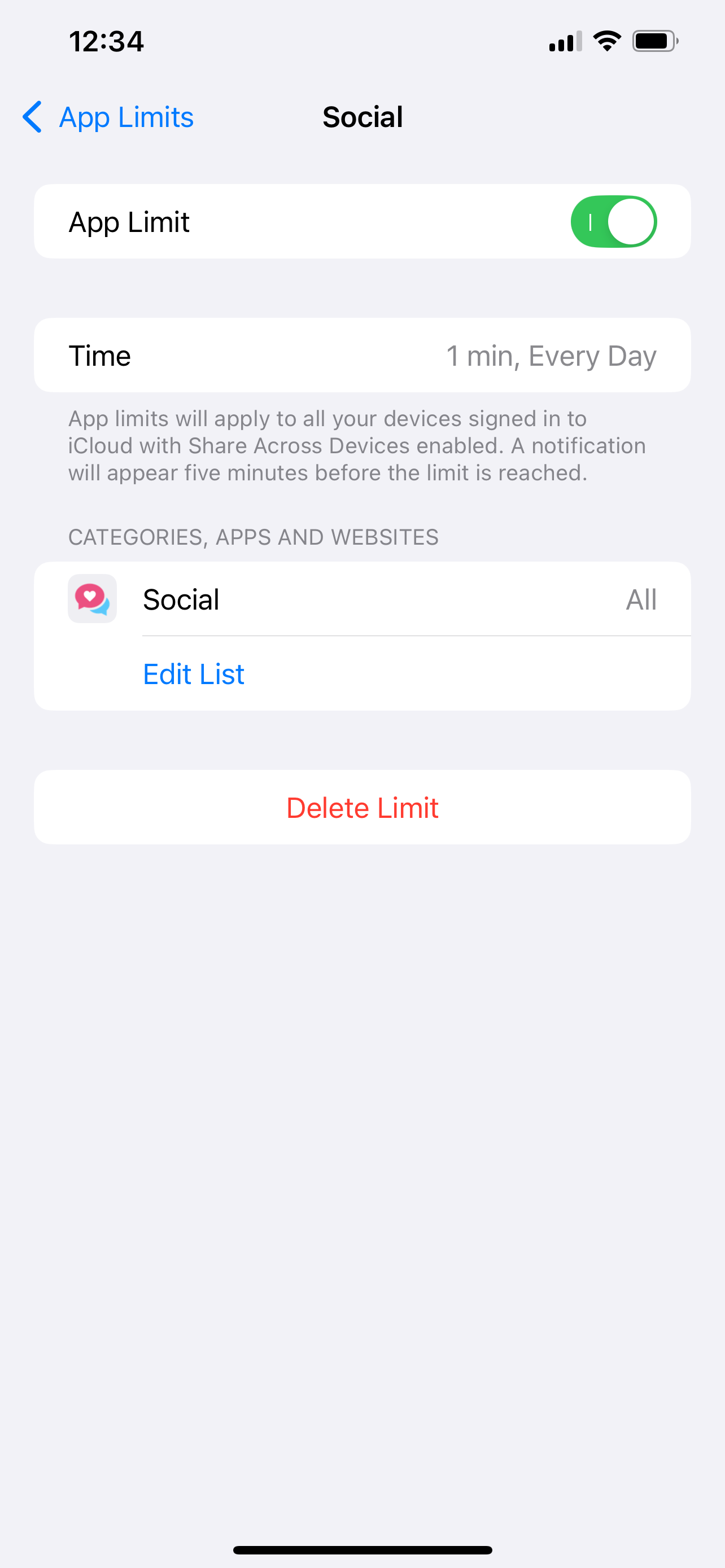

Mute Social apps when opened
Download Shortcut
Download my shortcut and click on "add shortcut" button
Download Mute Shortcut
Create Automation
Click on Automation in bottom menu. Create new autoamtion with + icon. Set trigger to "App" and choose apps. Choose "Run immidiately below. Click on Next and write "mute" to search bar to see the new shortcut.
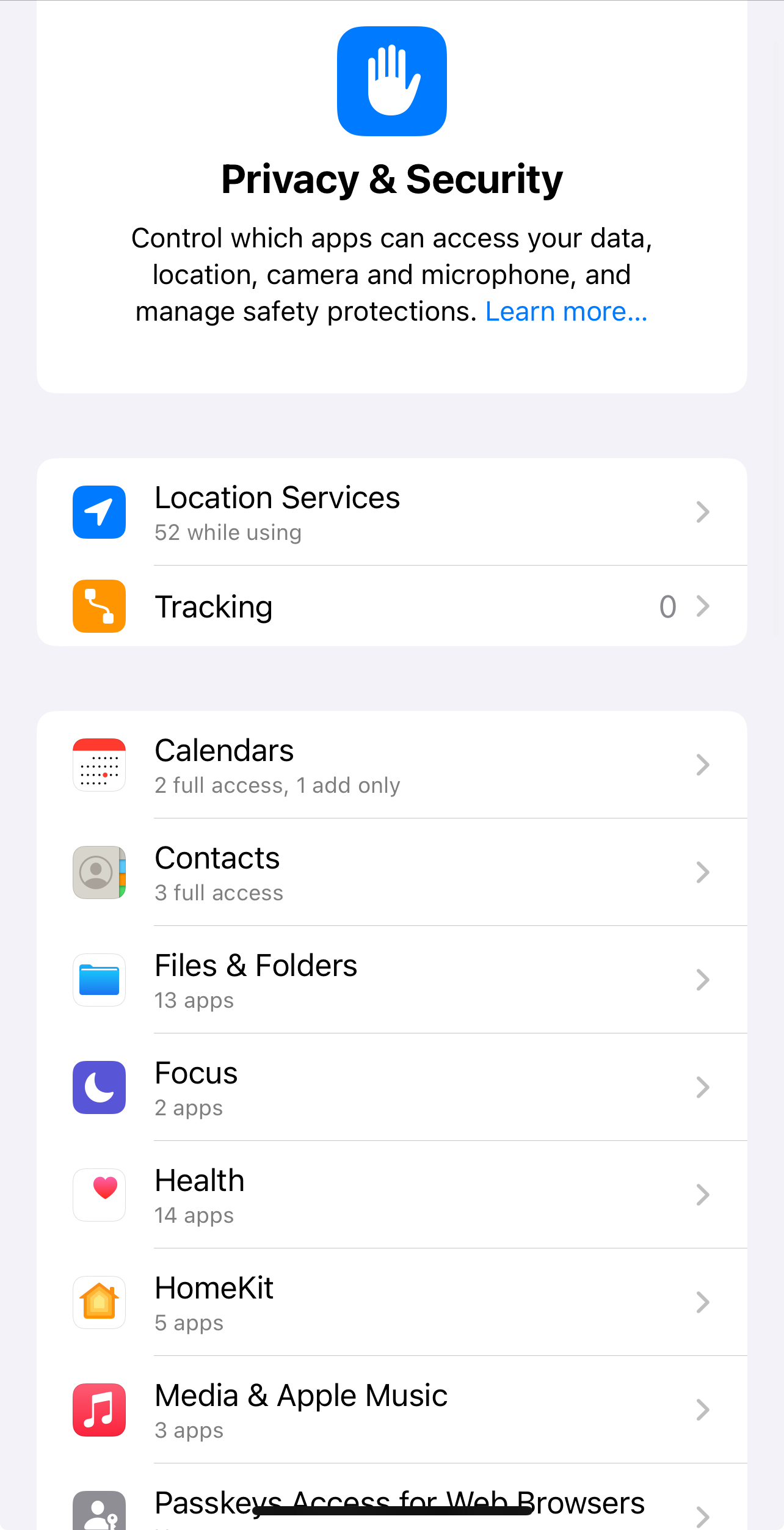
Setup your Privacy settings correctly

You're done.